01
Choose what to sync
Connect Apple Health on your iPhone. Start your first backfill and follow its progress. Later syncs pick up what changed.
PRIVATE HEALTH. PERSONAL AI.
Bring your Apple Health data to the AI tools you choose. Encrypted on your iPhone. Opened only with your private key.
Built for iPhone · V1 private beta
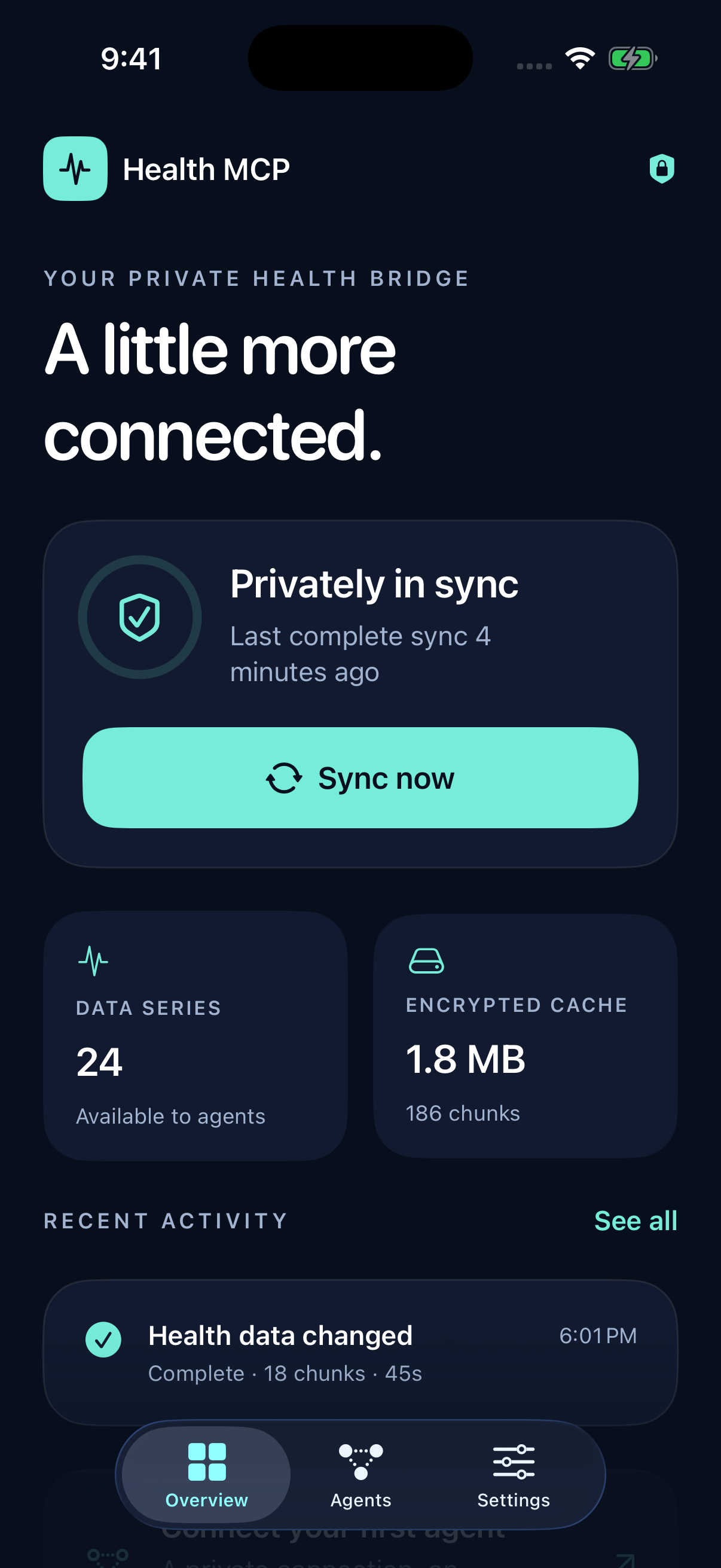
Actual app. Illustrative sync data.
A BRIDGE YOU CONTROL
Your health history can give an assistant useful context. Health MCP lets you share it deliberately, with a key that the service never receives.
Connect Apple Health on your iPhone. Start your first backfill and follow its progress. Later syncs pick up what changed.
Your phone encrypts every data file before it leaves. Save your private key somewhere safe. It cannot be recovered by the service.
Pair a compatible MCP client, approve it on your phone, and configure your key in its private execution environment.
THE CLOUD STORES. YOU UNLOCK.
The service stores encrypted files and a small catalog of available data. Your chosen assistant decrypts files in its own execution environment. Share your key only with a client you trust.
Read the privacy details